🗑️ How to Delete OpenClaw On Mac (2026 Guide – Remove AI Agent Safely)
Installed OpenClaw because everyone said it’s the future of AI…
Then realized it has access to your files, messages, terminal, maybe your soul?
Yeah — you’re not alone.
Here’s how to completely delete OpenClaw and clean up your system properly.
🤖 What Is OpenClaw (and Why People Are Deleting It)
OpenClaw is a self-hosted AI agent that can:
- Read your emails and messages
- Execute commands on your system
- Automate tasks across apps
- Etc
Sounds cool… until you realize:
- It often runs background services (gateway/daemon)
- It stores memory files locally
- It may expose ports if misconfigured
- And yes — there are real security concerns (Wikipedia)
Translation: uninstalling it is not just “delete one app and done.”
💣 Step 1: Stop OpenClaw Services (CRITICAL)
Before deleting anything, kill the running agent, using Terminal of course:
If installed via CLI:
openclaw gateway stopOr check if it's still running:
openclaw gateway status
⚠️ If you skip this, OpenClaw might keep running in the background even after deletion.
Then uninstall the openclaw gateway:
openclaw gateway uninstall
Next, uninstall the openclaw itself:
openclaw uninstall
At Last, uninstall the NPM Package:
npm uninstall -g openclaw🧹 Step 2: Delete OpenClaw Core Files
OpenClaw is usually installed locally (not a standard app), so you need to remove files manually.
Common locations:
~/.openclaw//Applications/OpenClaw.app
Also check:
~/Library/Application\ Support/OpenClawDelete everything related.
🧠 Step 3: Delete Memory & Logs (Important)
OpenClaw stores persistent memory like:
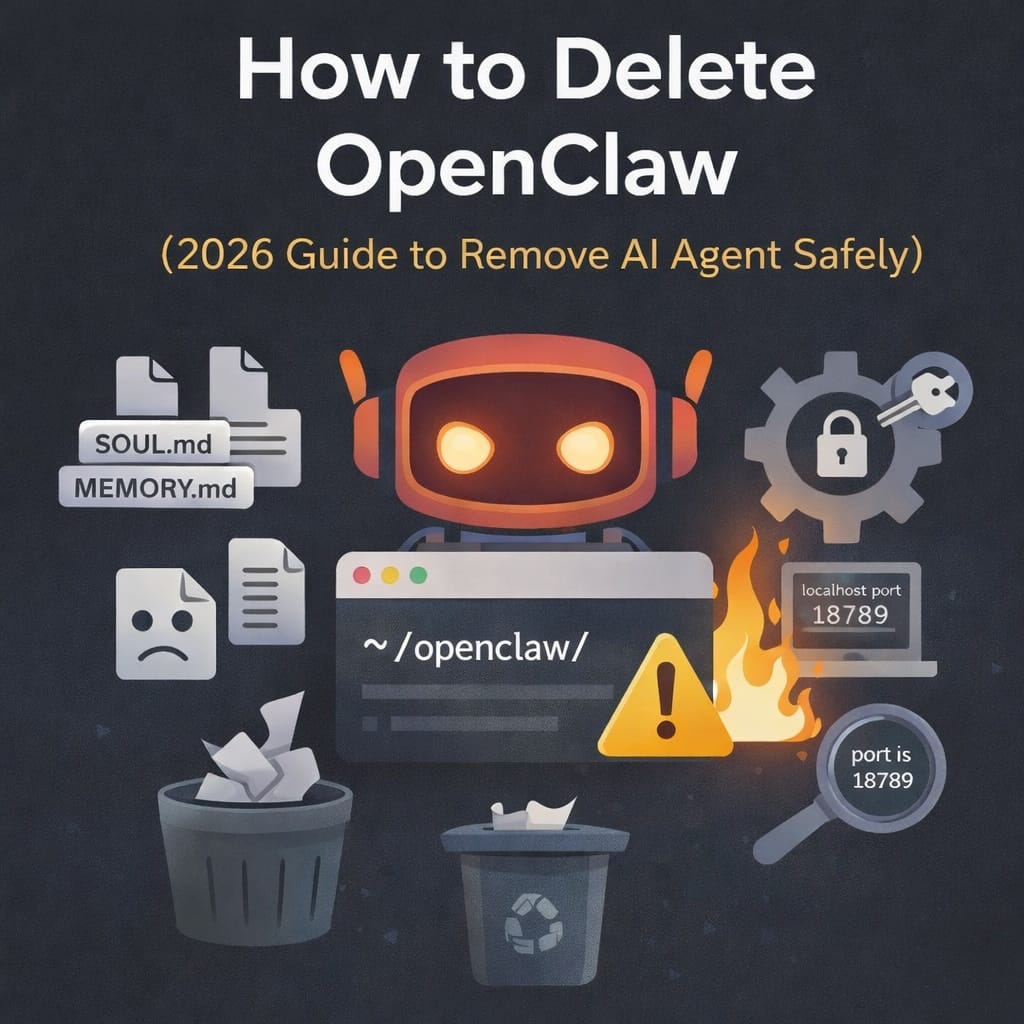
SOUL.md
MEMORY.md
memory/
logs/
These may contain:
- Chat history
- API keys
- Personal data
- Automation logs
👉 Delete them all.
⚙️ Step 4: Remove Background Services
If OpenClaw installed a background service:
On macOS Check:
~/Library/LaunchAgents/
Look for anything like:
openclaw.plist
bot.molt.gateway.plist
Delete it.
🔌 Step 5: Remove Integrations (Don’t Skip This)
OpenClaw often connects to:
- Telegram / Discord / WhatsApp
- API keys (OpenAI, Claude, etc.)
- Local browser or tools
👉 You should:
- Revoke API keys
- Remove bots from messaging apps
- Rotate tokens if you’re paranoid (you should be)
🧼 Step 6: Check Open Ports (Advanced but Smart)
Run:
lsof -i :18789
Or similar ports used by OpenClaw.
If something is still listening → it’s not fully gone.
🚨 Bonus: Why You Might Want to Delete OpenClaw
Recent trends show:
- Rapid adoption… and just as rapid security concerns
- Some orgs restricting usage due to data exposure risks
- Misconfigured setups exposing thousands of instances online
🧠 If you don’t fully understand how it works, deleting it is actually the safe move.
🧾 TL;DR – Delete OpenClaw Completely
| Step | What You Do |
|---|---|
| 1 | Stop and delete gateway |
| 2 | Delete install folders |
| 3 | Remove memory files (SOUL.md, MEMORY.md) |
| 4 | Remove background services |
| 5 | Revoke API keys & integrations |
| 6 | Check open ports |
🔎 Boost: For What People Actually Search
- how to uninstall OpenClaw
- is OpenClaw safe
- remove AI agent from Mac/Linux
- delete OpenClaw memory files
- OpenClaw security risks
If you want, the next smart follow-up post is:
👉 “How to Secure OpenClaw Instead of Deleting It” (high search demand right now)